I am a strategic Product Designer with a background in development, bringing a unique perspective that bridges design and engineering. Over 7+ years, I have launched products and led cross-functional teams to drive measurable engagement and revenue outcomes through data-informed design.
What sets me apart
Bridging design and development
I bring a unique perspective to my work, combining my design skills with my understanding of development. This allows me to create not only visually appealing designs but also functional and scalable products.
Designing for complexity and scale
I excel in complex design projects, where multiple factors and constraints need to be considered. I know how to break down complex problems into manageable parts and design elegant solutions.
Multi-sided systems and platforms
I have extensive experience in designing for multi-sided ecosystems and platforms, where multiple user groups interact with each other and the product. My ability to understand the complexities of these systems and design products sets me apart.
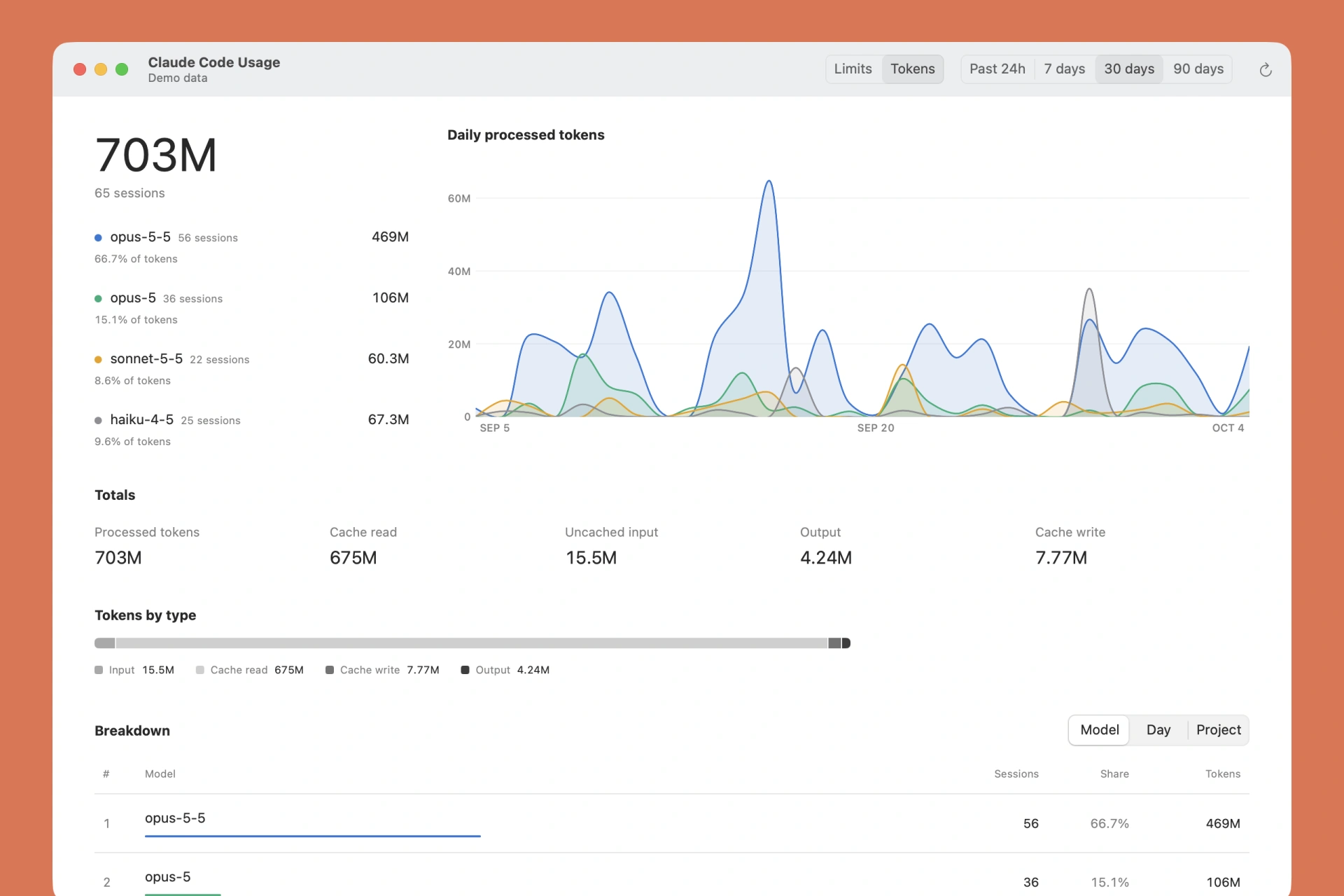
A macOS menu bar app that shows how much of your 5-hour and weekly Claude Code limits you have left. It also totals tokens by model, day, and project from your local transcripts.
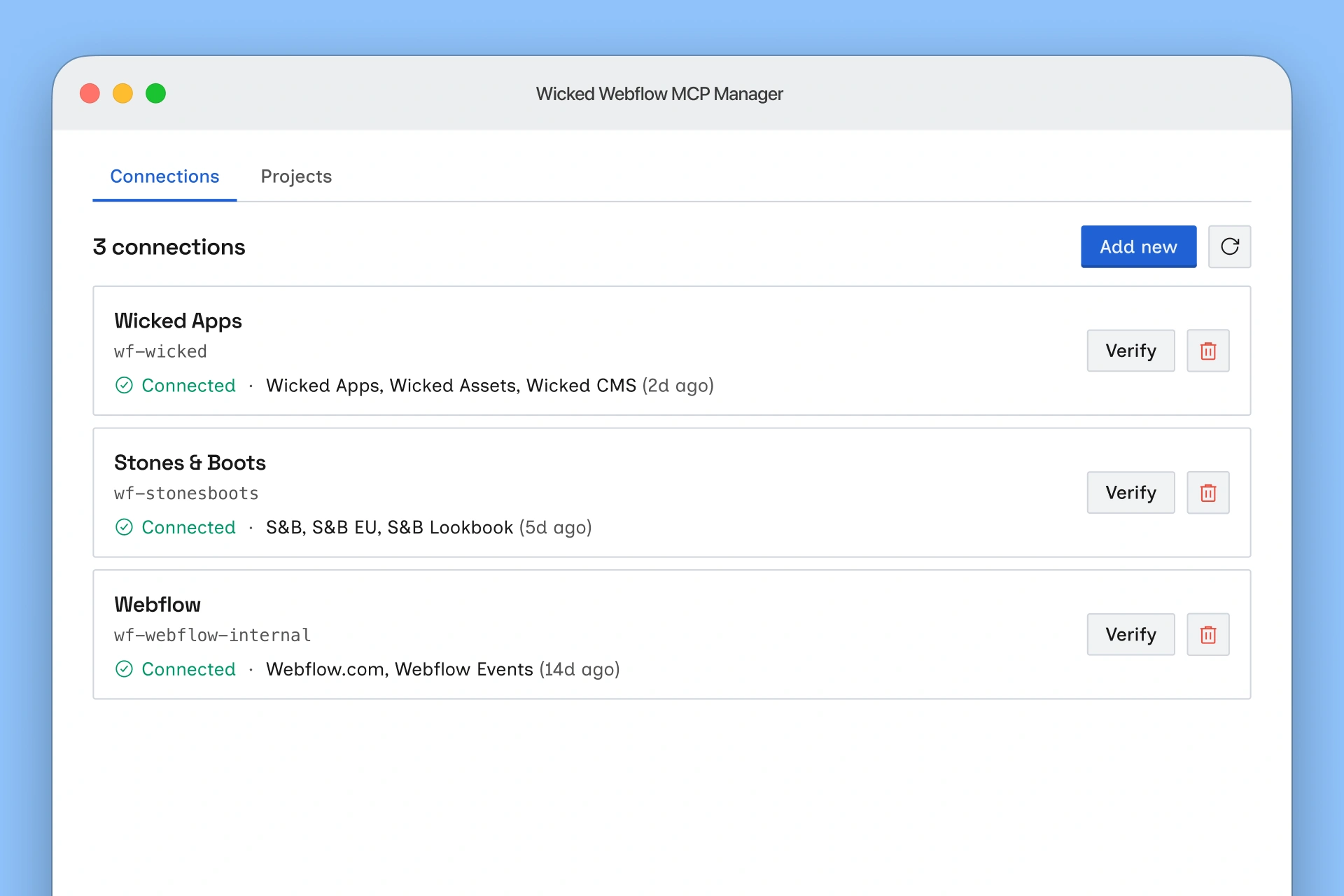
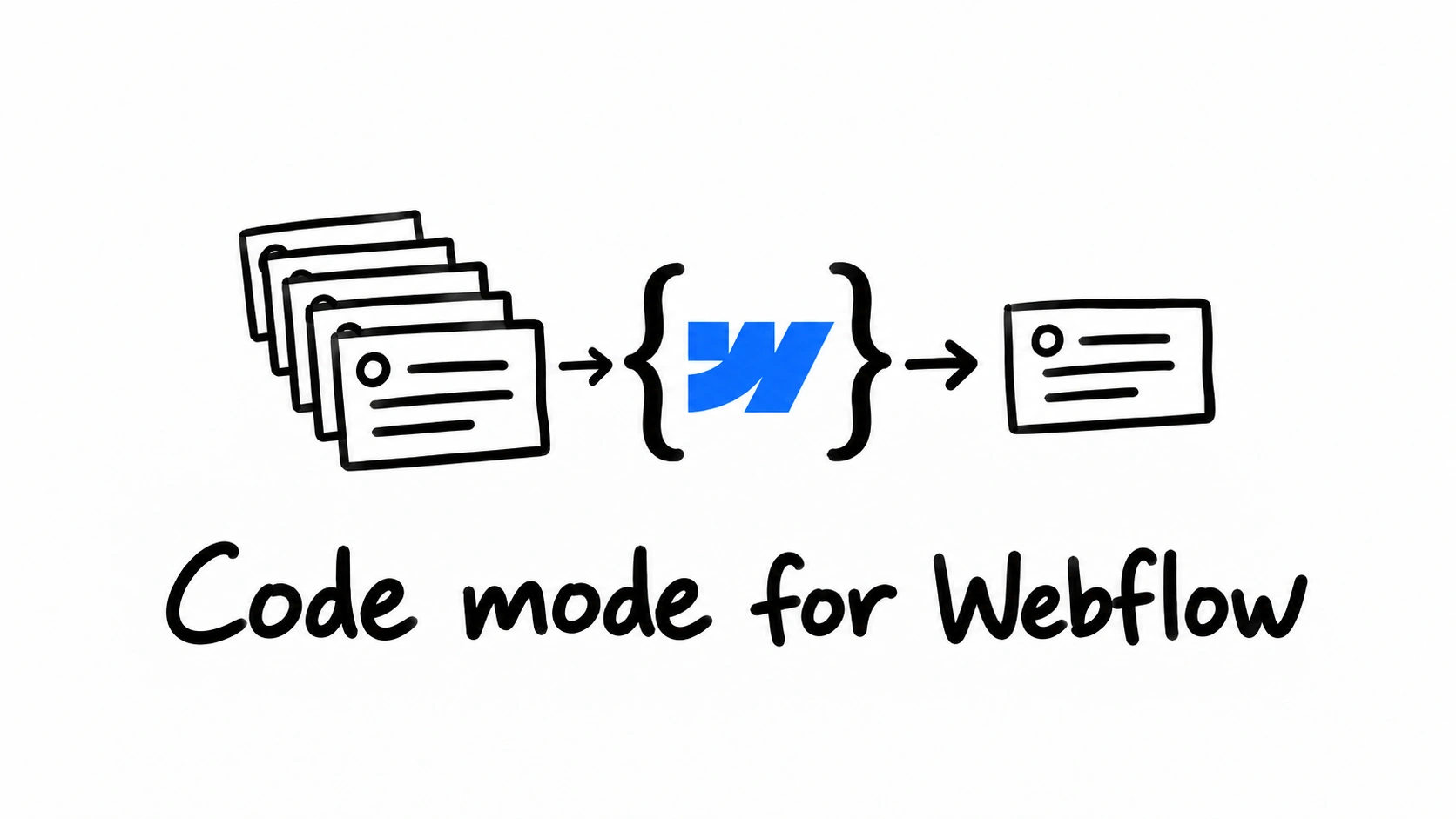
Keep a separate Webflow MCP connection authorized for every client at once, and load only the ones each project needs. Ships as a macOS app, a Claude Code plugin, and a CLI.
Most of the tools I've shipped began as fixes for my own annoyances. Now that AI writes so much of the code, knowing what's worth building is the designer's edge.
A compact player tray for Catan. Individual slots hold a full set of roads, settlements, and cities, and the official Building Costs card slides in as a lid.
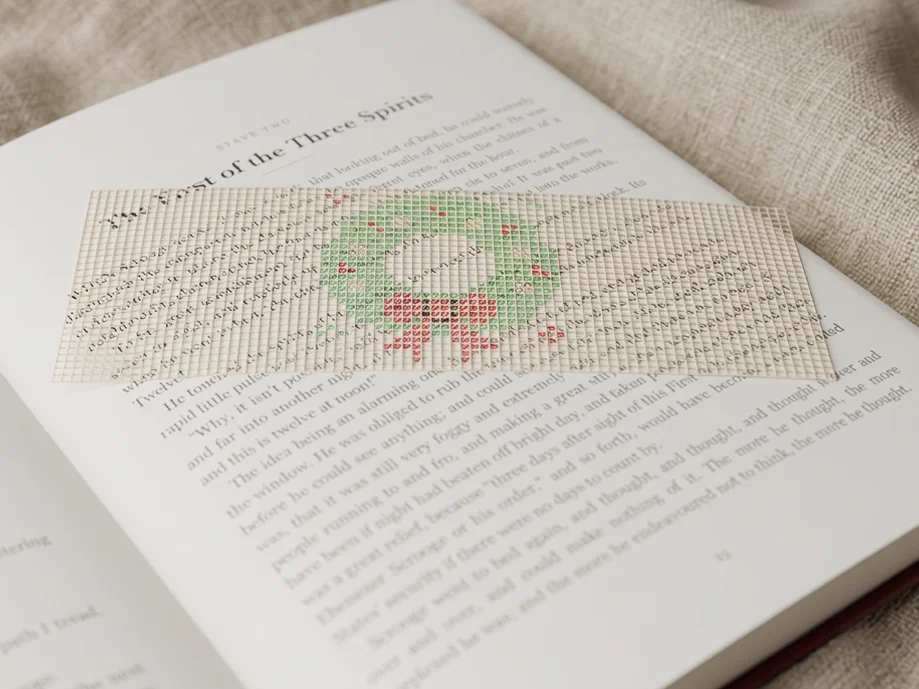
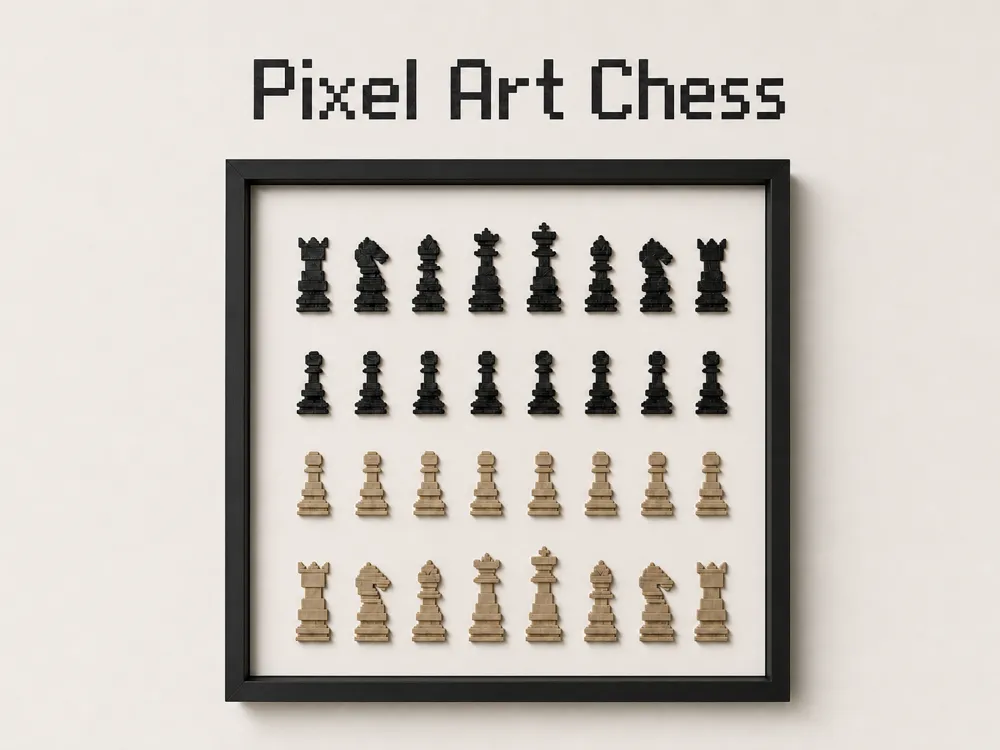
A flat bookmark styled like finished cross-stitch: a green wreath with red berries and a bow on an open plastic canvas. It prints in two layers with no supports, sewing, or glue.
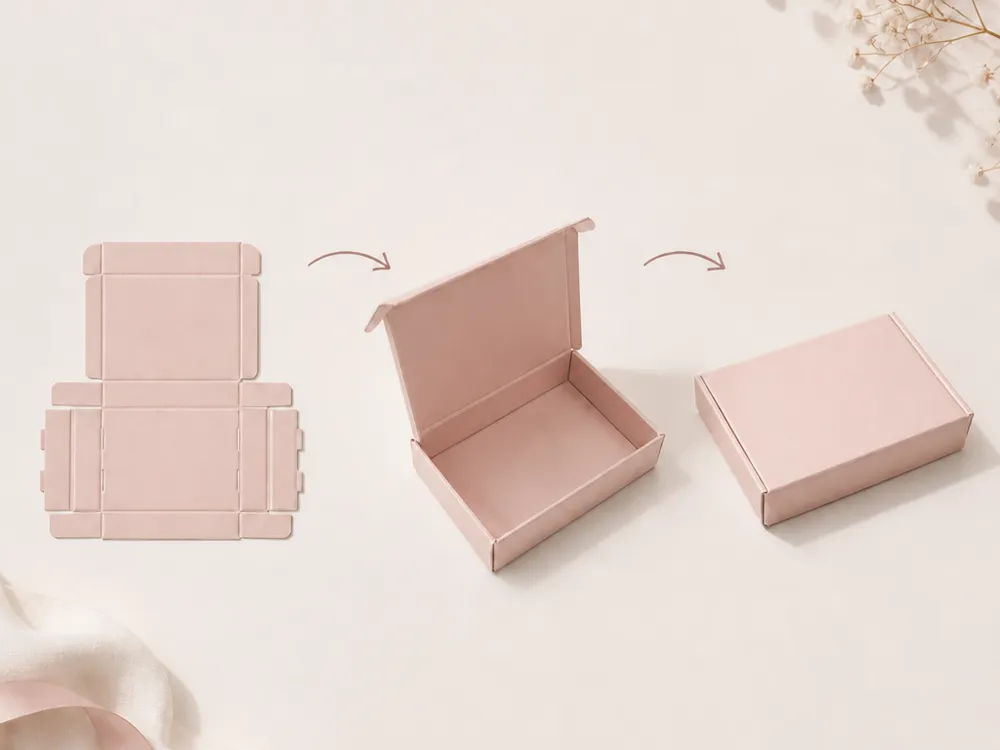
A parametric gable box you size to your own inside length, width, and height. It prints flat as one piece, then folds along the grooves so the handles meet and lock the gable panels closed.
A parametric oval tuck envelope you size to a gift card, or to your own content width, height, and thickness. It prints flat as one piece, then folds along the grooves and closes with hidden tabs and a tuck flap.
A parametric gusseted pouch you size to your own inside length, width, and height. It prints flat as one piece, then folds along the grooves into a candy bag and closes with a tongue lock.
A parametric box you size to your own inside width, depth, and height. It prints flat as one piece, then folds along the grooves and locks with built-in tabs.
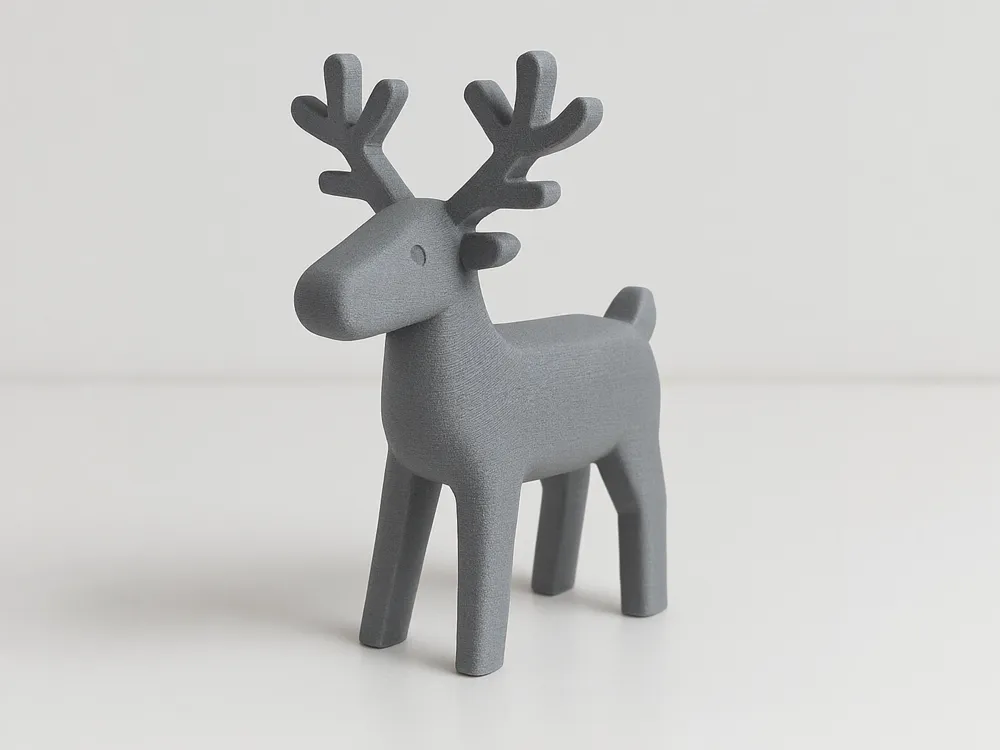
A modern low-poly geometric planter 3D model made for printing, designed to fit the standard plastic base of IKEA FEJKA succulents for an instant aesthetic upgrade.
Over the last few years I've shipped a lot of small products. Figma plugins, a FigJam widget, Webflow apps and a few things that only run on my own laptop.
Almost none of them started as a product idea. They started with something that annoyed me. I'd hit the same wall a few times, build a way around it, then wonder if anyone else kept hitting it too. Sometimes they did.
Right now anyone can build an app in an afternoon, and a lot of people are. Writing the code has stopped being the hard part. Knowing what's worth building is harder than ever, and I think designers are better at that than most.
Where a few of them ended up
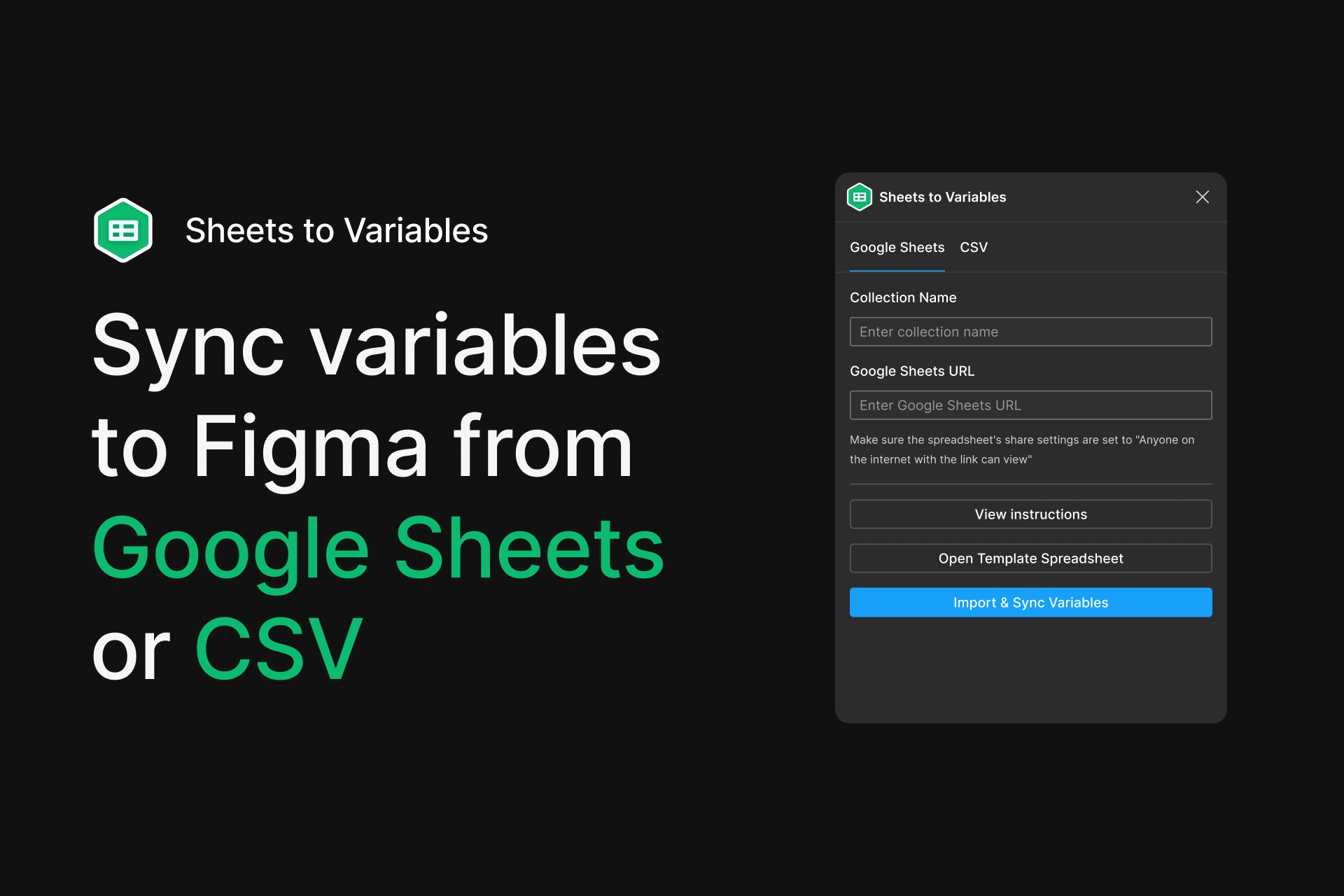
Sheets to Variables, a Figma plugin, used by over 8,000 people.
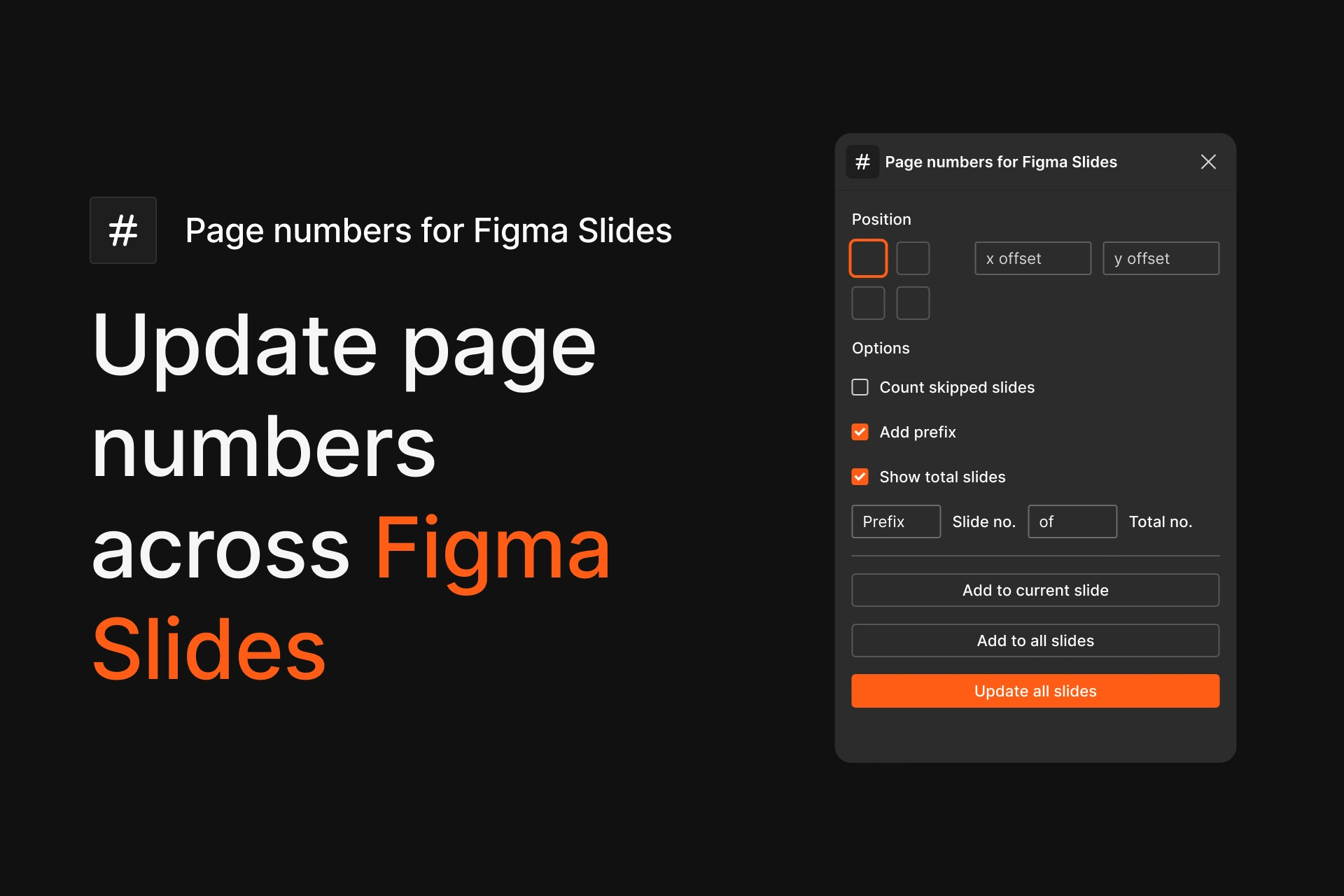
Page Numbers for Figma Slides, used by about 7,000 people. Most of them found it after Figma shipped its own page numbers.
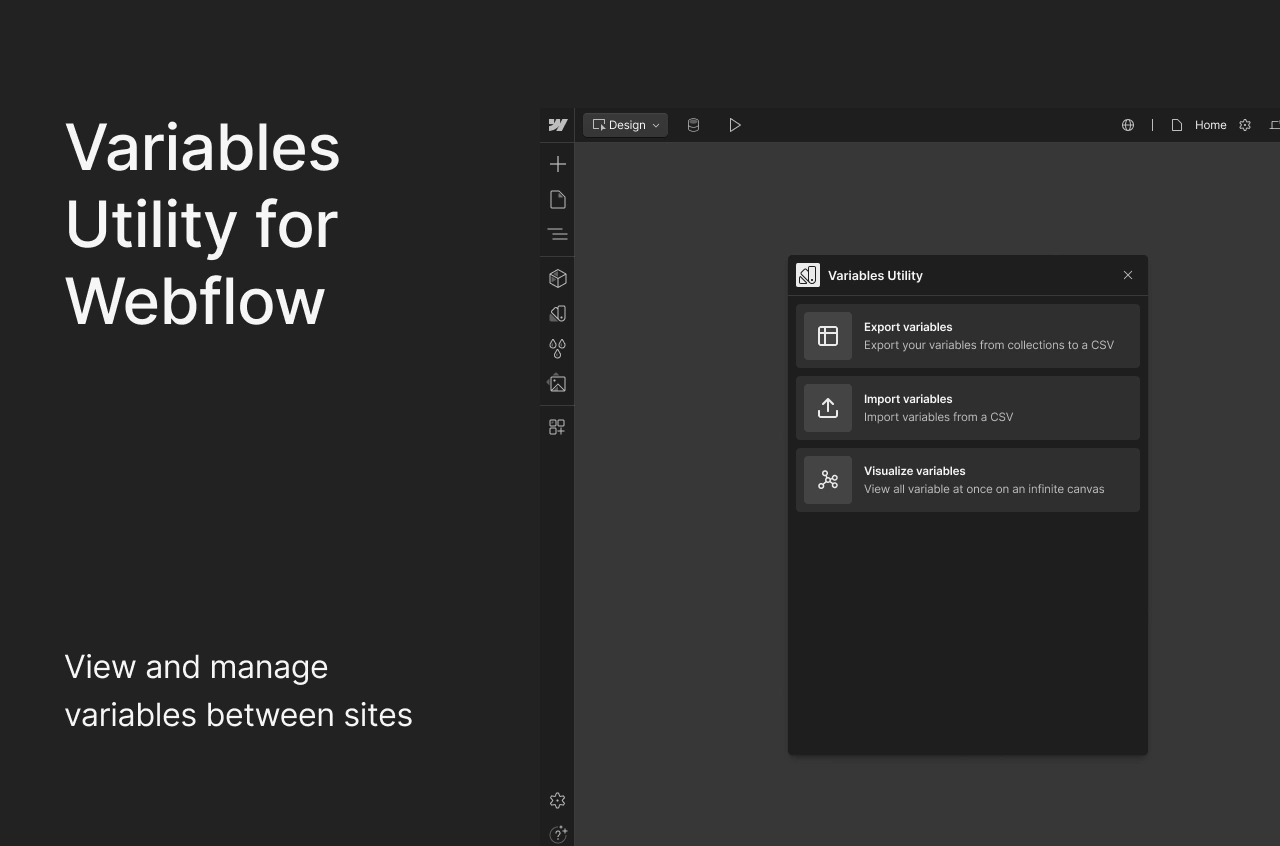
Variables Utility for Webflow, installed on over 20,000 sites.
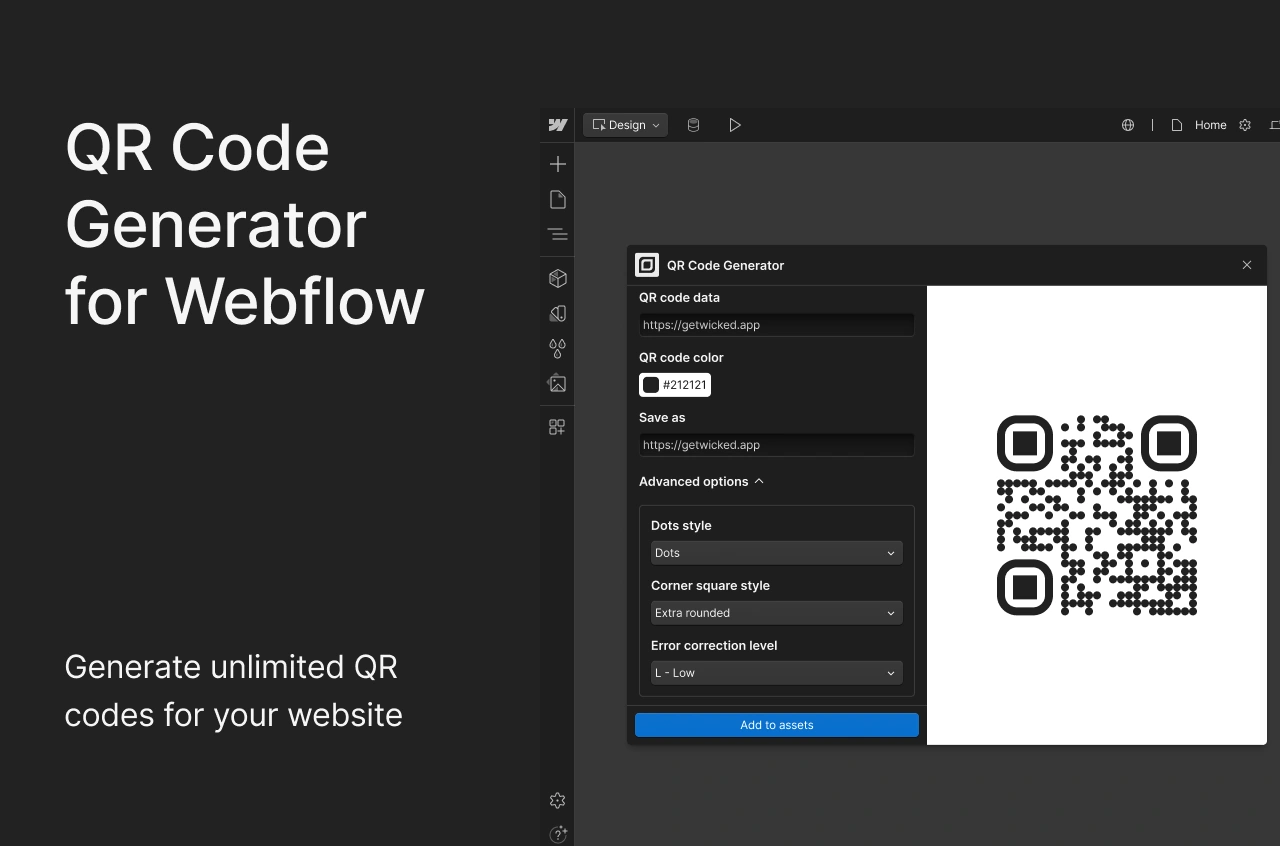
QR Code Generator for Webflow, installed on over 2,000 sites.
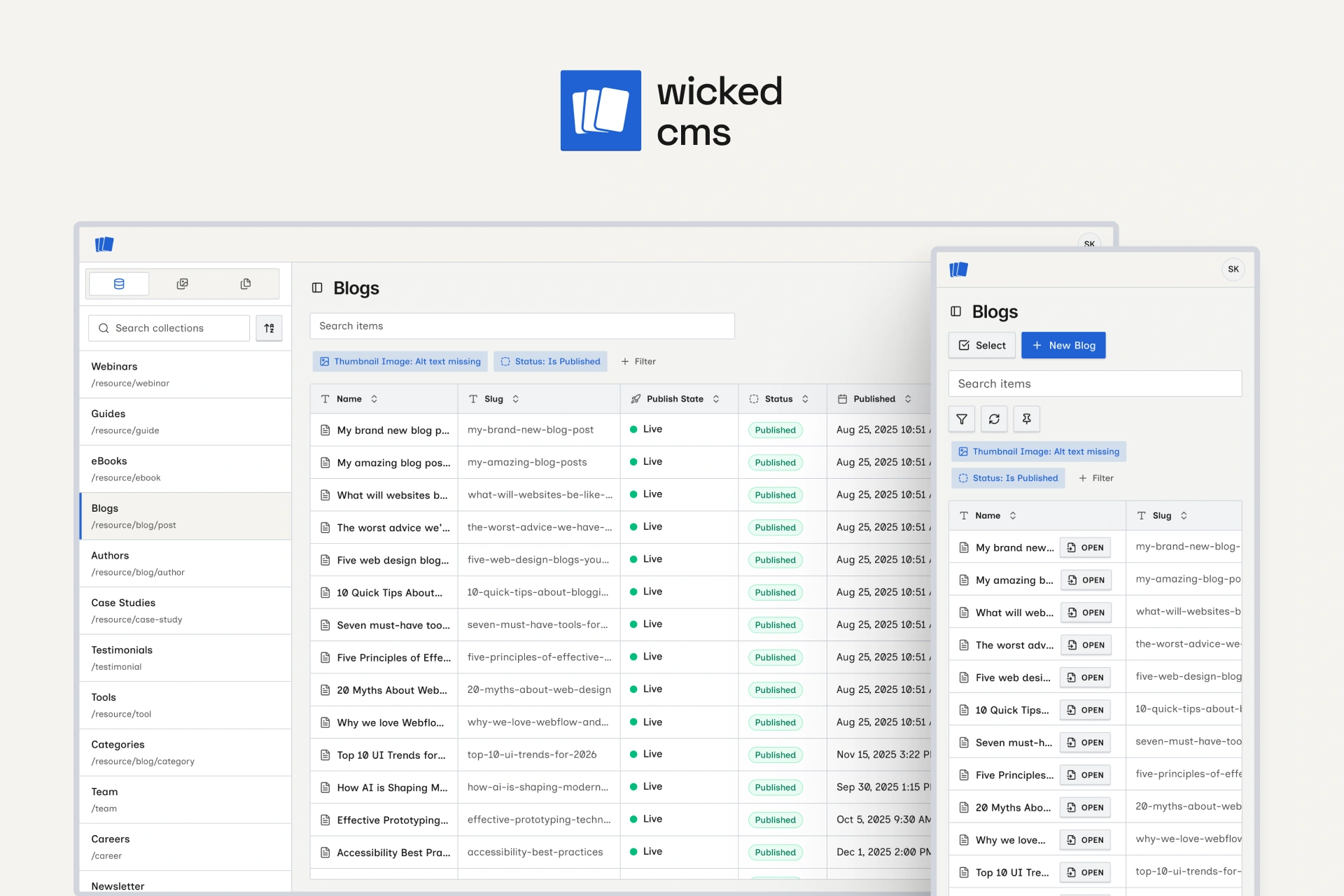
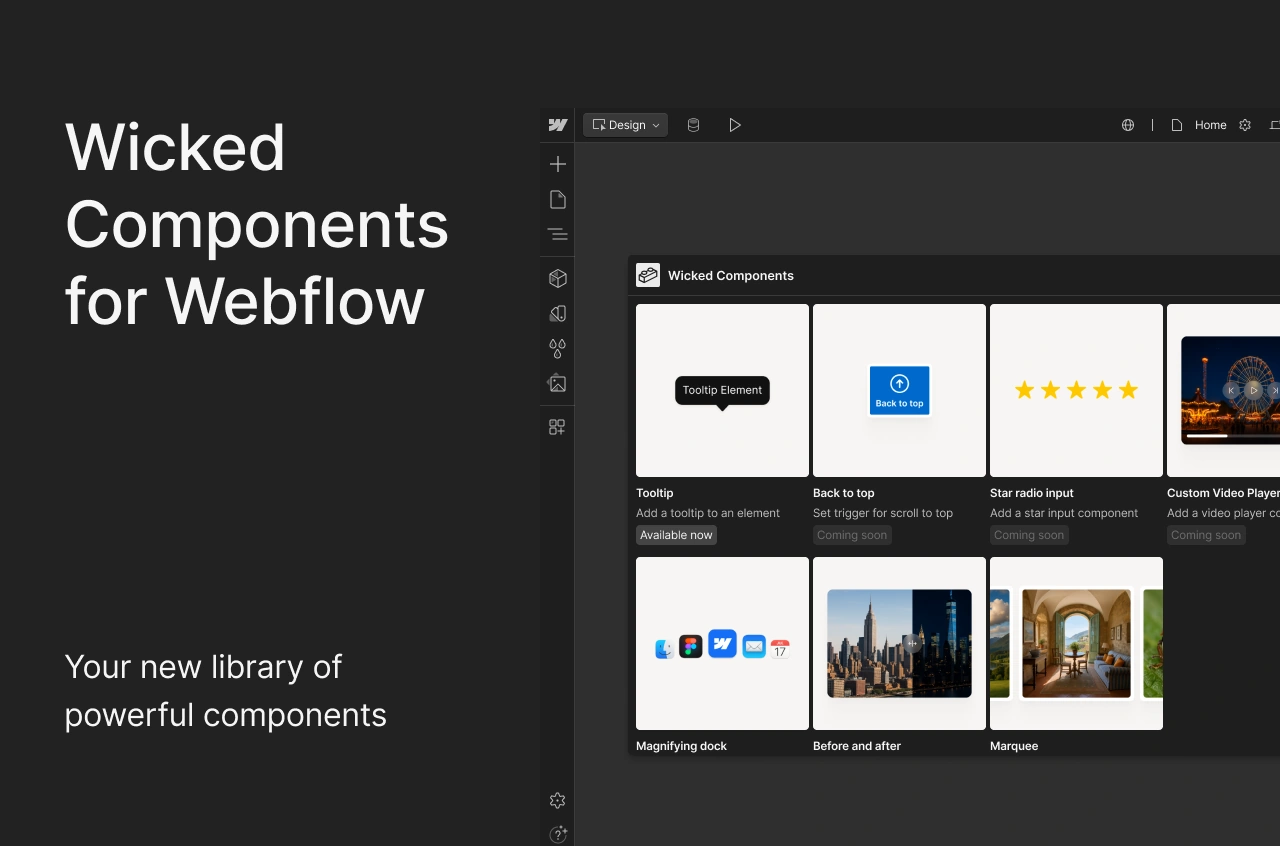
Wicked CMS, used across more than 1,000 Webflow sites.
It started with a spreadsheet
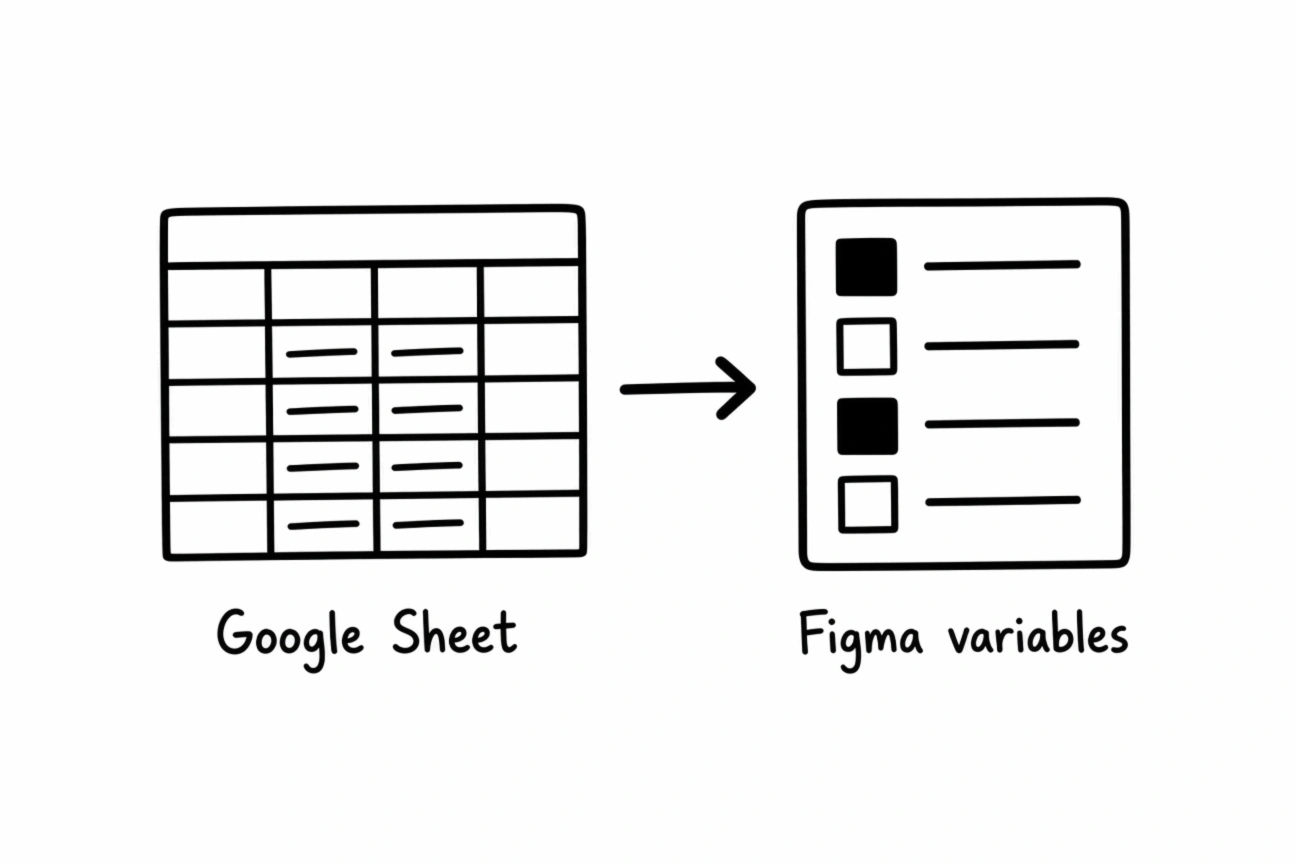
I'd used Figma for several years when variables came along, and I wanted an easy way to create them. It was faster and easier for me to do it in Google Sheets. So I built a plugin for myself that reads variables from a sheet and imports them into Figma, and called it Sheets to Variables.
Values live in a Google Sheet. The plugin turns each row into a Figma variable.
Once it worked, I started thinking about who else could use it. Designers, obviously. But a sheet can also hold copy, translations or values worked out with formulas, so writers and localization teams could use it too. I published it to the Figma community.
As I write this, over 8,000 people have used it. In the grand scheme of things that isn't a huge number. Still, a simple tool I made for myself now runs workflows I never planned for, and that makes me happy. I built it so I could use a tool I already knew, in a way I already understood. Now other people are finding their own reasons to use it.
When the platform catches up
Early Figma Slides had no easy way to number your slides. It was a small annoyance, so I built Page Numbers for Figma Slides and put it out there. Within weeks it had hundreds of users. A few weeks after that, Figma added page numbers to Slides.
To be clear, my plugin had nothing to do with that. Figma was already solving the same problem, and it probably just missed their launch timeline.
What surprised me was what happened next. The plugin kept growing. It has about 7,000 users now, and most of them came after Figma shipped its own version.
Figma's version covers what most people need, so the plugin had to do more than sync numbers. It now lets you:
Add page numbers across all your slides.
Style them with the text styles you already use.
Place them in the same spot on every slide.
Skip slides and keep the numbering right.
Format the numbers the way you want.
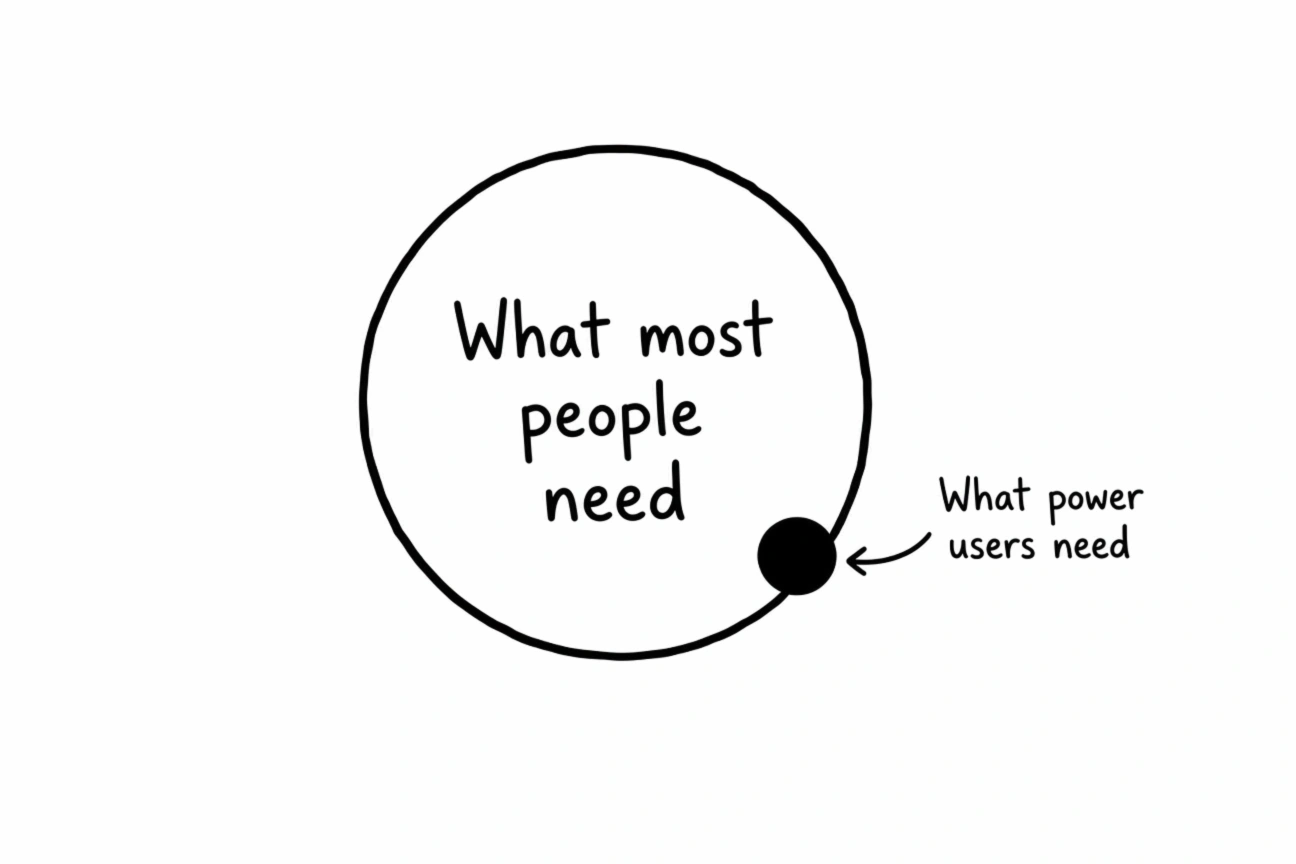
Most Figma users will never need any of that. The people who do need it really need it, and the plugin is there for them.
The platform covers what most people need. A plugin can cover the edge.
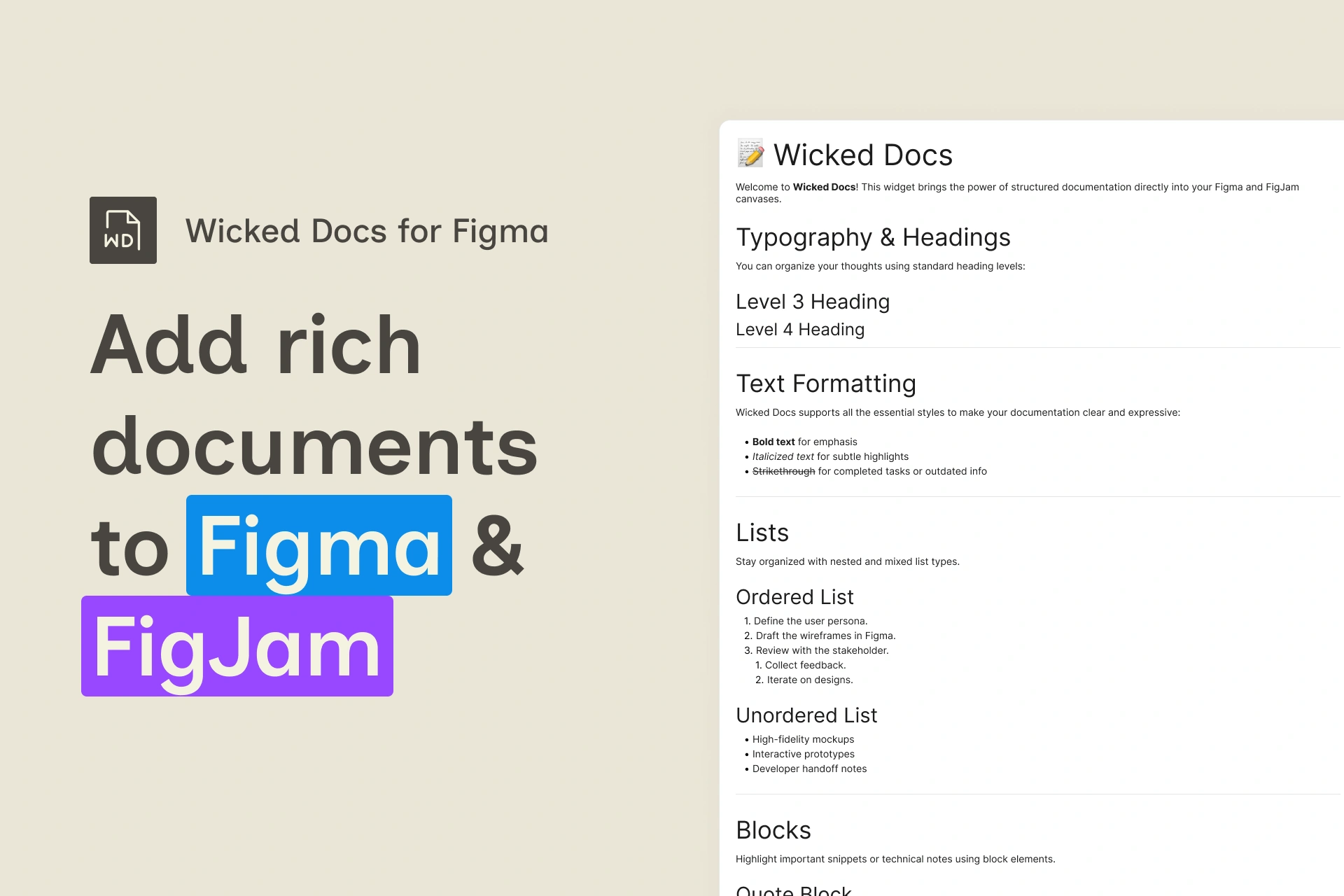
Wicked Docs went a similar way. I wanted rich notes inside my files, kind of like a spec document. There were complex tools and workarounds, but all I wanted was to write in Markdown and have it stay on the canvas. So I built a widget.
This one was niche, and the numbers show it. A few hundred people use it. Then Figma launched Specs, which is pretty close to what the widget does. Their version is better, and it should be. It's built into the platform, and Figma has access to things a widget never will.
It does make me wonder whether a small widget like this ever sparks an idea for someone on the inside. I'll never know, and I'm fine with that.
The same pattern on Webflow
I've used Webflow for over half a decade, and the platform has changed a lot in that time. My own use cases kept coming up there too.
The first was moving variables from one site to another. It isn't complicated, but I didn't want to do it by hand. This was before Webflow had an MCP server, back when MCP itself was the new kid on the block. Webflow apps could already reach a site's variables, so I built Variables Utility. It exports variables to a CSV, lets you clean them up and imports them into another site. I shared it, and it's now installed on over 20,000 sites. People have moved hundreds of thousands of variables between sites with it.
Then I built a QR code generator, mostly for fun. I didn't want to go to a third-party site, sit through ads and maybe pay just to make a QR code. QR codes follow a published standard, and open source libraries already generate them. I used one of those libraries and built an app that turns text into a QR code and saves it to your site's assets. It's niche, and it's installed on over 2,000 sites.
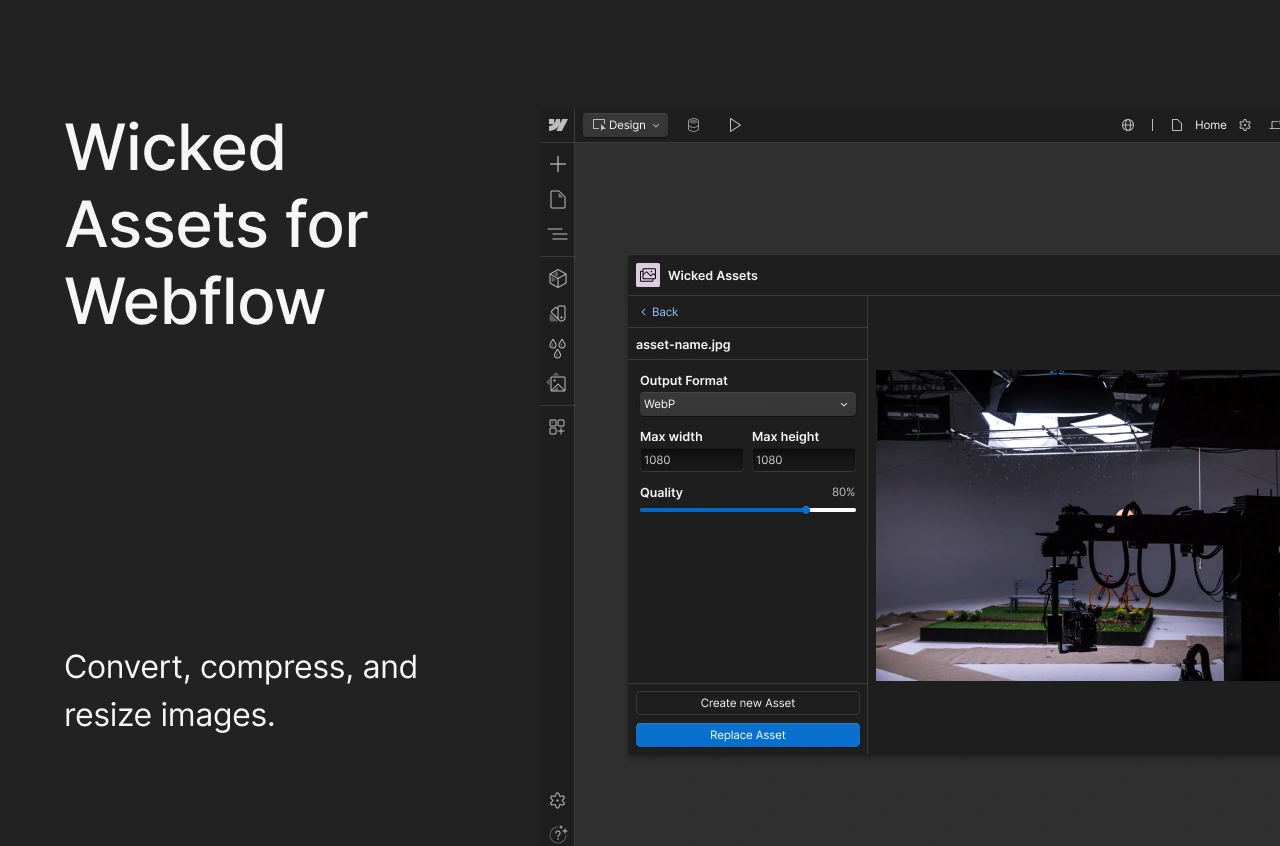
Wicked Assets came from Webflow's 4 MB limit on image uploads. I wanted to upload bigger files, then resize, compress and convert them to the format I picked. At the time of writing people have used it to compress tens of thousands of assets on Webflow.
Could Webflow build this? Probably. Would they want to? Maybe not. Every extra option adds a step to what should be a simple upload, and most people want the simple version. Power users want more control, and a small app gives it to them without changing the platform for everyone else.
What I picked up along the way
I built most of this before agentic coding took off in mid to late 2025. I wrote the code myself, and I had a lot to learn.
I didn't know React well when I started. I took courses, learned how APIs work and got deep into the technical side. To be fair, I had a head start. I went through four years of computer science and did web development before I moved into design. But for about half a decade, code was something I did on the side, for fun and to fix my own problems.
I also work with developers every day, and talking with them taught me more than any course. How different tech stacks compare. What each tool can and can't do. How to think about databases, deployment, scaling and distribution.
Building something for yourself is easy. Building something other people can rely on is much harder. It has to be secure, and it can't cost you a fortune to run. You need to be curious enough to learn that side, and willing to weigh the tradeoffs before you ship.
Building with agents
Wicked CMS is the first big product I've built mostly with AI agents.
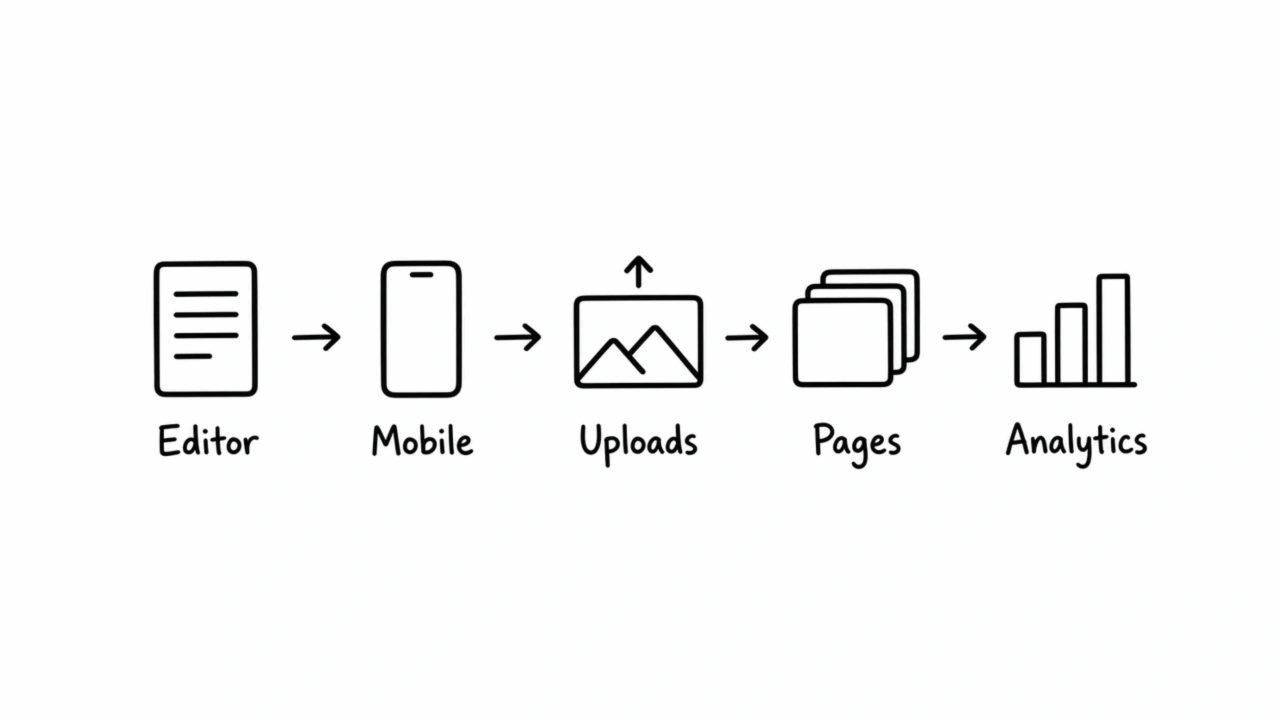
It started because I wanted more from Webflow's CMS. Better search and better filtering like Notion. By then I knew Webflow's API well enough to know what was possible and what wasn't. That made the agents far more useful. I could tell them what to build.
Then it kept growing. Why couldn't I manage the CMS from my phone? Why did I have to AirDrop photos from my phone to my laptop just to upload them to Webflow? I should be able to upload straight from my phone. So I added that. Page management came next.
Lately I've been experimenting with analytics, because Webflow's built-in reports are pretty bare. I wanted to compare data properly, or just check a report on my phone.
Wicked CMS started as an editor. Each new feature came from the last one.
Some of these features came from my own work. Others came from clients with specific needs. Wicked CMS is now used across more than 1,000 sites. Is it a mass-market app? Probably not. But it makes Webflow better for people who were going to use Webflow anyway.
Apps with one user
Agents have also made it easy to build things that were never meant to be shared.
My 2FA codes come to my Android phone, and my keyboard doesn't have a number pad. Retyping codes got old. So I built a phone app and a companion Mac app that send copied text from one to the other. Is it the most secure thing ever built? I don't know. It has exactly one user, and it solves exactly one problem for me.
I also use three GitHub accounts. One is personal, one is for work and one is for client projects. Switching between them was a hassle, so I built a small Mac utility that switches accounts on the fly. Every commit I push gets linked to the right account for that project.
Someone else might want these. I don't want to maintain them for other people or work out how to distribute them. They do their job for me, and that's enough.
Where designers come in
Agents write code fast, and people are shipping apps faster than ever. A lot of those apps don't need to exist. Some are built to make a quick buck. Others solve a problem nobody actually has.
This is where designers come in. Our job has always been to understand the people we design for. Where it hurts, where the edges are, what gets in the way. Then we try to make that part of their day a little better.
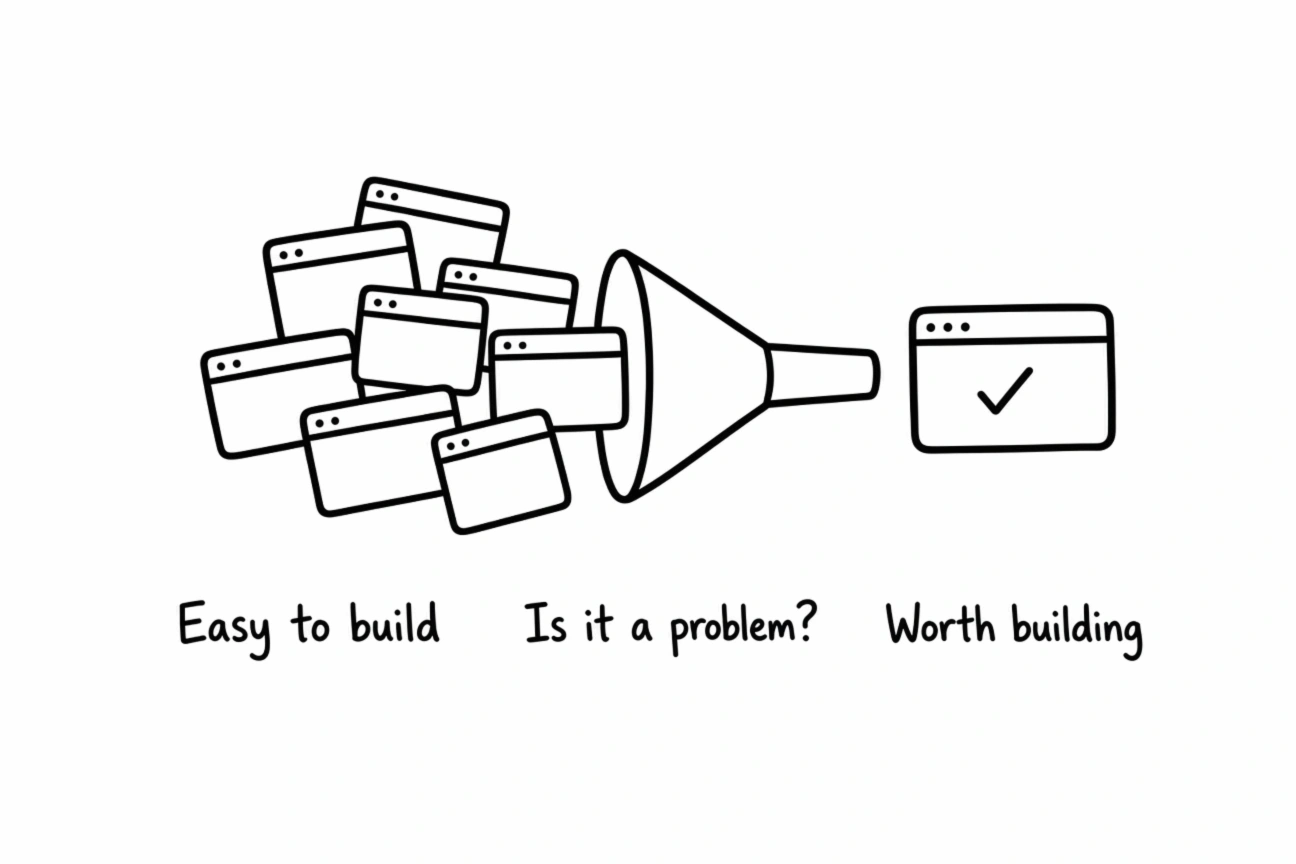
Agents made building easy. Deciding what's worth building is still the hard part.
Looking back, one thing held across everything I built, for myself or for others. I cared how it felt to use, and I wanted the interface to look exactly the way I had in mind.
The questions designers already ask
Is this a problem to begin with?
Who has it, and how often?
How well does this actually solve it?
How does it feel to use?
How does it look?
Those questions decide whether something is worth building at all. An agent won't ask them for you.
I wrote in The Figma killer fallacy that speed of output isn't the same as quality of solution. That applies to apps as much as screens.
Writing code has never been easier for designers. Is it the best code? I'm not going to be the judge of that. Will the product look and feel the way you want? Very likely.
So be curious. Learn the parts you don't know yet. Talk to the developers around you. Then build something that solves a real problem, works well and looks good. That's how you stand out from everyone building for the sake of it.
 Shreyansh Kotak















 Sheets
 Page
 Wicked
 Variables
 QR
 Wicked
 Wicked